
In late 2025 Apple released macOS Tahoe 26, the newest major version of the Mac operating system. This update brings one of the most significant visual refreshes in years alongside productivity enhancements and deeper continuity with other Apple devices. For business users planning upgrades or device rollouts, it’s worth understanding not just what’s new, but also where friction can occur.
A New Look with Liquid Glass
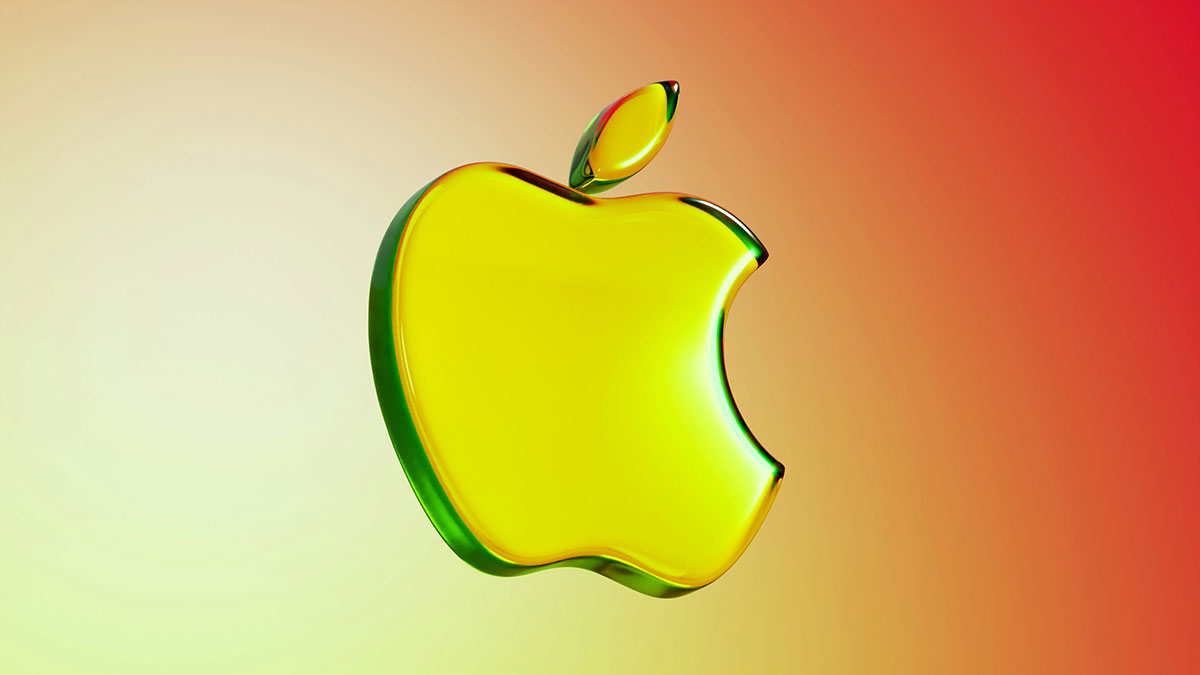
One of the headline changes in macOS Tahoe is the introduction of Apple’s Liquid Glass design. This visual style uses translucent, glass-like materials and rounded aesthetics across the desktop, Dock, and UI elements such as sidebars and toolbars. Menus and control panels now have a lighter, layered feel that can improve visual depth and focus on content.
Liquid Glass aims to unify the look and feel across Apple platforms, matching design shifts seen in recent iOS and iPadOS releases. It includes:
- A fully transparentmenu bar that makes screens feel larger.
- App icons and widgets crafted from multiple translucent layers.
- New light, dark, and tinted themes with greater personalisation.
- Rounded window corners and updated controls throughout the system.
For some users, the fresh look is a clear visual improvement. The transparency and layering give macOS a modern feel that aligns with broader Apple design trends. Others, particularly long-time macOS users, may find the increased translucency and rounder aesthetic takes some getting used to.
Productivity and Feature Enhancements
Beyond the design refresh, macOS Tahoe 26 also introduces features aimed at improving productivity and cross-device workflows:
Expanded Continuity:
Apple’s Phone app is now available on Mac, letting users make and receive calls, screen messages and voicemails directly from a Mac — enhancing continuity with iPhone. Live Activities from iPhone apps can now appear in the Mac menu bar.
Spotlight Upgrades:
Spotlight now supports direct actions like sending emails or creating notes straight from the search interface, making it a more capable command centre.
Control Centre and Customisation:
Menus, folders and controls can be personalised with new colour and tinting options. This level of UI customisation wasn’t previously available on the Mac.
Broader System Improvements:
Under the hood, Apple has refined animation, expanded accessibility features and brought over many interface behaviours that previously only existed on iOS or iPadOS.
What Might Cause Business Users Issues or Irritation
While exciting, these changes may create challenges for workflows common in business environments:
Visual Distraction or Readability Concerns
The new transparent menu bar and layered elements may reduce contrast in some environments, making text or controls harder to read, especially on busy desktops or with older displays. Users with visual accessibility needs might need custom settings adjustments such as reducing transparency.
Inconsistent App UI Updates
Not all third-party apps have updated to fully embrace the Liquid Glass design. This can lead to a mixed experience where some applications feel visually cohesive and others appear dated or inconsistent next to the new system UI.
Adjustment Curve for Teams
Even productivity upgrades like the new Spotlight actions or Control Centre customisation can slow users down initially as they relearn familiar interactions. Rollouts across teams should consider communication and short training to minimise disruption.
Compatibility Considerations
Some older Intel Macs may no longer be supported by macOS Tahoe, particularly older models beyond certain hardware thresholds, meaning some devices in your fleet could require upgrades before deployment.
Keep Your Business Macs Running Smoothly
macOS Tahoe 26 marks one of the most significant visual and functional updates to the Mac platform in years. For business environments, that’s both an opportunity and a challenge. Design changes like Liquid Glass offer a fresh look and deeper continuity with iPhone and iPad, but they also introduce UI differences that can affect productivity and consistency across teams.
Dial A Geek is an MSP in Bristol, we specialise in managed Apple Mac support for Bristol businesses. If you’re planning a macOS rollout, need help troubleshooting visual or compatibility issues, or want to make sure your Mac fleet stays secure and efficient, our Protect & Grow Managed IT Service is designed to minimise disruption and maximise uptime.
Talk to us about how we can support your macOS adoption, optimise workflows across your team, and ensure your Apple devices remain a reliable part of your business infrastructure.
ALL ARTICLES